A Booking Link That Checks Every Calendar
Clients and colleagues book time through tools that look at one calendar. If you keep work in Outlook, family in iCloud and a side project in Google, that tool cannot see two thirds of your week, and someone books the hour you are already in. A booking link that checks every calendar fixes that.
Only times that are free everywhere
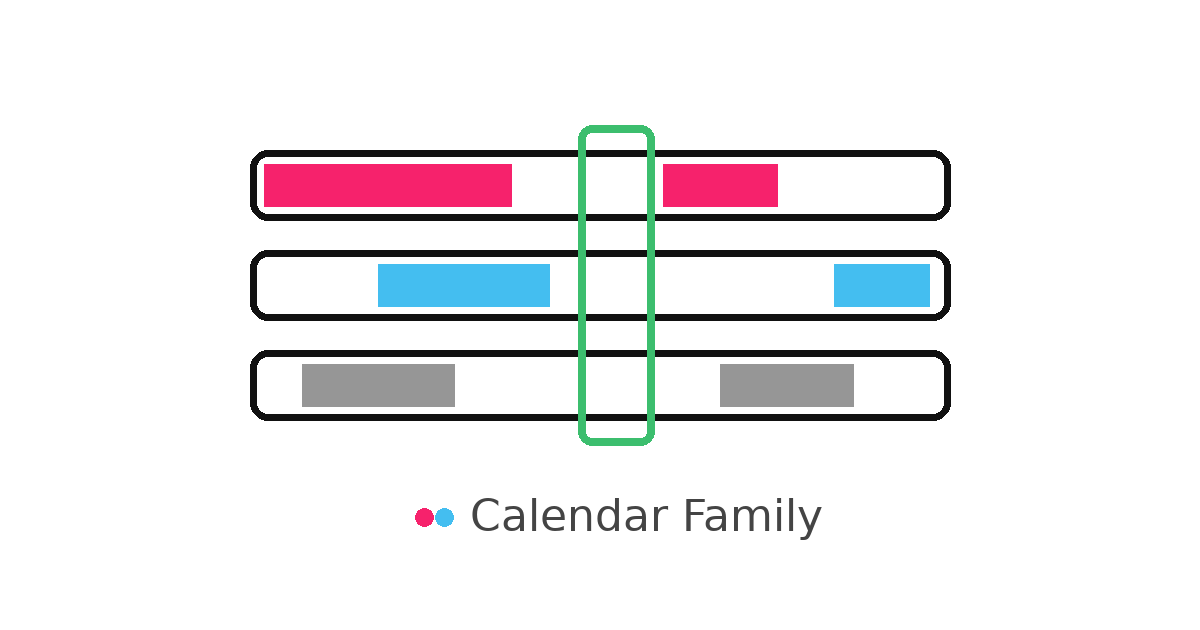
Your link offers a start time only when the whole meeting, plus any buffer you set, is clear in every calendar in your family. A time busy in any one of them is never offered, and each booking is checked again against fresh calendars at the moment it is made.
Set it up
- Open the family and choose Booking link in the menu.
- Pick the calendar to Write bookings to, your Time zone, the Days people can book and the hours From and Until.
- Choose the Meeting lengths to offer, a Buffer before and Buffer after, a Minimum notice and the Most bookings a day.
- Click Create link, then Copy link and share it.
People can book up to 14 days ahead.
Bookings land on the calendar you chose
Each booking is written to your chosen calendar as an ordinary event, which then syncs to the rest of the family as usual, so every calendar shows it, usually within about a minute.
One link for several people
Under Who is booked, choose Everyone together when every host must attend, or First available when any one of them can take the meeting. Use Add a host to make a join link for each person. They sign in with their own account, pick the calendar that receives their bookings, and you never hold their login.
What the person booking gets
They pick a length and a time, enter a name and an email address, and Book this time. A confirmation arrives straight away and one reminder follows 24 hours before the meeting, both by email in their language. The booking page does not ask them to sign up for anything.
Take it back whenever you like
Rotate link makes a new address and ends the old one, and Revoke link ends it for good. Bookings already made are kept.