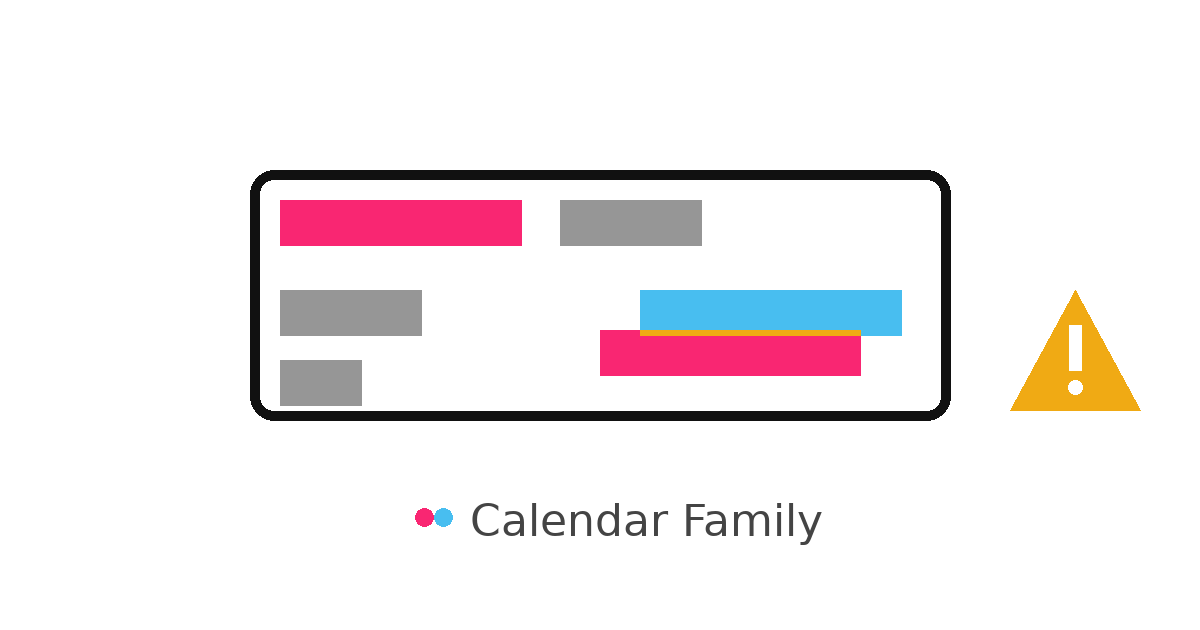
Get Warned About Double Bookings Across Your Calendars
If you work for two organisations, or keep work and home on separate calendars, a double booking usually shows up when one meeting is missed. Calendar Family already sees every calendar in your calendar family, so it can tell you first.
See the clashes
Open the family. When it holds two or more calendars, the Double bookings panel lists every pair of events in different calendars that overlap in the next two weeks, with both titles, their calendars and the overlapping time.
What counts
Only original events count. The copies Calendar Family writes to keep calendars in step are left out, so a meeting synced to your other calendar does not clash with its own copy. All-day events, events marked free and overlaps inside a single calendar are also left out, and events that merely touch, one ending as the next begins, do not overlap.
Accept a clash that is deliberate
Sometimes the overlap is intended: a standing call you half-attend, a hold you will release. Click Accept this clash and it is hidden from the panel and never emailed. The panel says how many accepted clashes are hidden.
Get an email for new ones
Switch on Email me about new double bookings and Calendar Family checks every six hours and emails you once about clashes it has not shown you before. The clashes already on the page when you switch it on are not emailed. The email gives a count and a link, never an event title, and you turn it off with the same switch.
Only you see it
The panel and the alert belong to the owner of the family. Nothing is sent to anyone else, and no calendar is changed: Calendar Family only tells you.