Choose Which Events Sync Between Your Calendars
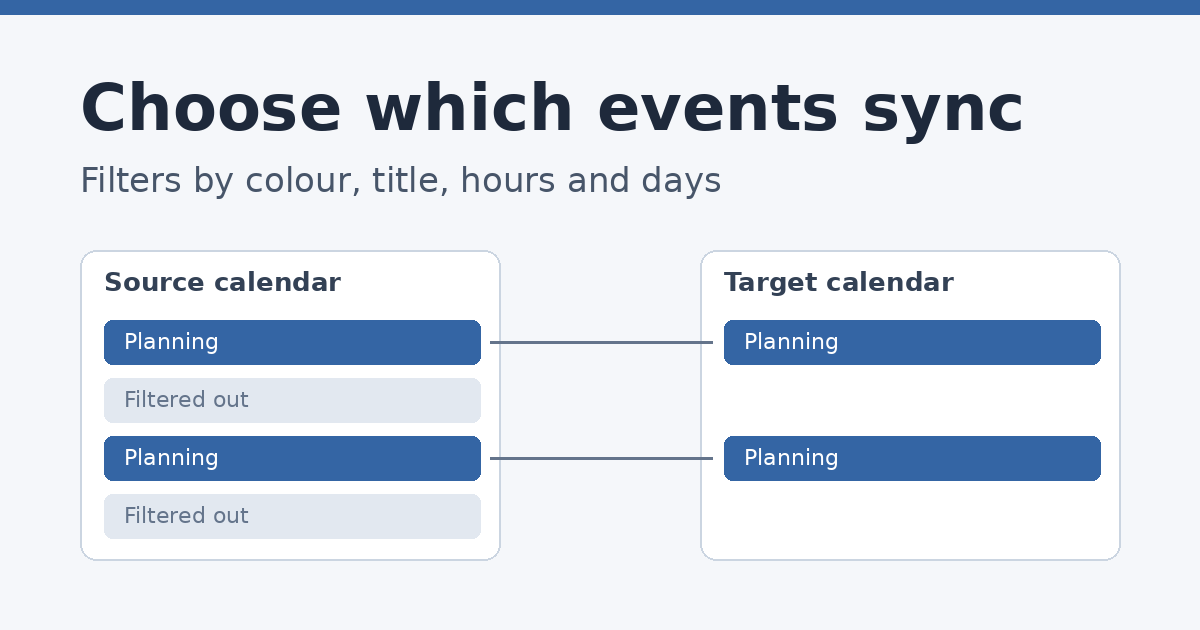
Copying every event is the right default, but not always what you want. A client's calendar may hold a hundred events and only the ones in your working hours matter to you. A shared calendar may mix your colour with everyone else's. Filters let each connection copy only what you choose.
What you can filter on
- Colours or categories: copy only events in the colours or Outlook categories you list.
- Words in the title: copy only events whose title contains one of your words, or leave out events that contain one of them.
- Working hours: copy events that start inside the hours you set, in the time zone you pick.
- Days of the week: copy only events that fall on the days you tick.
- Skip declined and tentative invitations: leave out events you declined or marked as tentative. It is off by default.
Every filter you set has to pass. A filter you leave empty is ignored, and a connection with no filters copies everything, as before.
Set it up
- Click the line between two calendars in your calendar family to open the connection.
- Under Choose which events are copied, fill in the filters you want.
- Click Update Connection.
What happens when an event stops matching
Move a meeting out of your working hours, change its colour or rename it, and the next sync removes its copy from the other calendar. Change it back and the copy returns. The original on your own calendar is never touched, and a filter removes only copies that Calendar Family itself made.
When a calendar does not say
Some calendars do not tell Calendar Family everything. iCloud events have no colour, and iCloud does not say which guest is you. For anything a calendar does not say, the filter does not guess: the event is copied. A filter never removes a copy because of something it could not read.